
Patrons
Buying tickets
Buy in seconds, no account needed.
1Find your event
Browse events on bajantix.com or open the link the promoter shared.
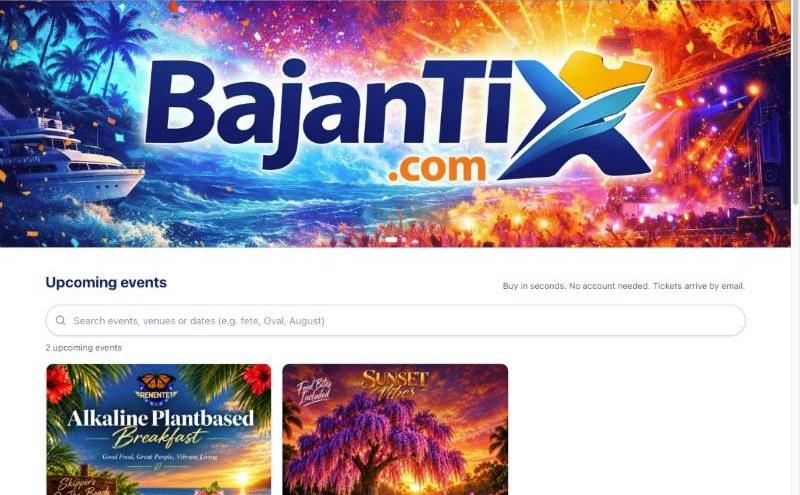
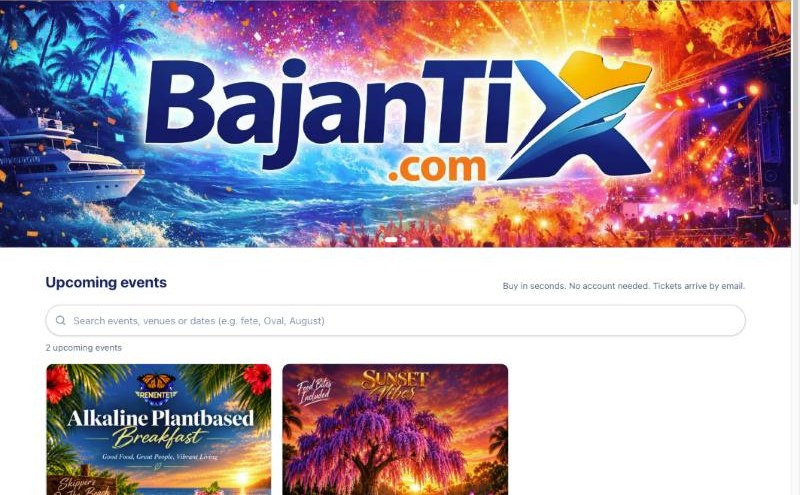
The BajanTix home page with upcoming events 2Choose tickets and pay
Open the event, pick how many of each ticket, enter your name and email, and pay by card (or PayPal for US-dollar events). The service and platform fees are shown as separate lines before you pay.
3Get your tickets
Your tickets arrive by email straight away, each with its own QR code. Show the QR code at the gate, on your phone or printed.
Questions
›I didn't get my tickets.
Check your spam or promotions folder for an email from BajanTix. You can also sign in at bajantix.com with the same email and open My Tickets. Still stuck? Contact BajanTix support.
›Can I get a refund?
Refunds are up to the promoter. If an event is cancelled, card and PayPal orders are refunded automatically, fees included.