Promoters
Complimentary tickets
Give free tickets by email and keep count by category.
1Send comps
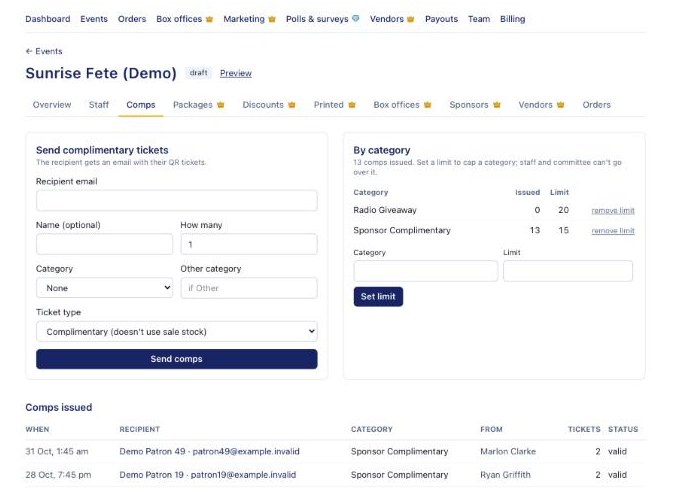
On the event's Comps tab, enter the recipient's email (and name), how many, a category (for example Radio Giveaway or Sponsor Complimentary) and the ticket type, then press Send comps. They get their QR tickets by email straight away. Comps from a hidden Complimentary type don't use your sale stock.
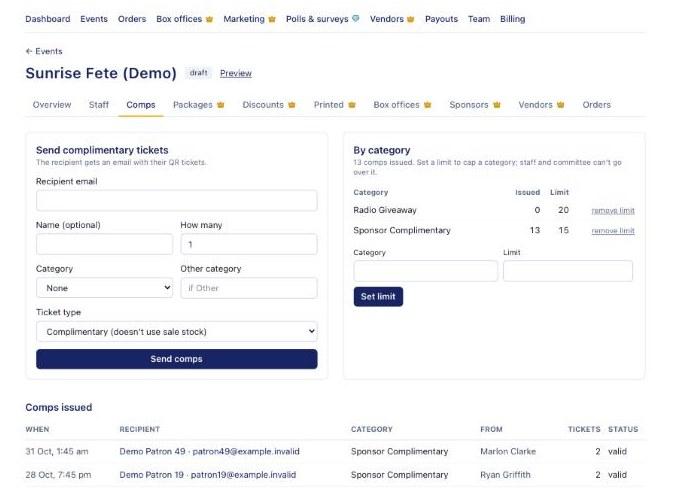
The Comps tab with the Send complimentary tickets form 2Set limits
Under By category, set a limit to cap a category; staff and committee can't go over it. Committee members get their own number of comps on the Staff tab and give them out from their staff page. Comps issued lists every comp sent, who sent it and whether it's still valid.