PromotersPro plan
Email campaigns, contacts and banner ads
Email your patrons and advertise on the BajanTix home page.
1Build your contact list
Under Marketing → Contacts, add people one at a time, import a CSV (email, first name, last name, phone, tags), or add patrons from your past events. Everyone can unsubscribe from every email.
2Send an email campaign
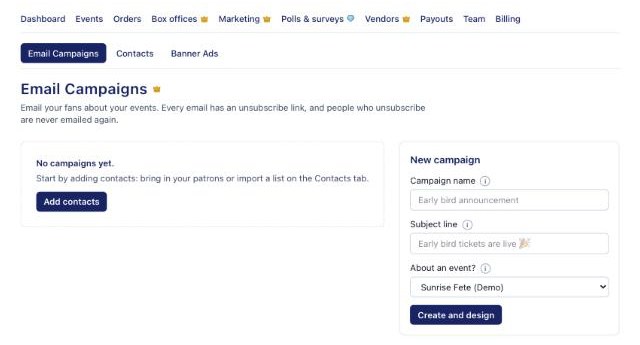
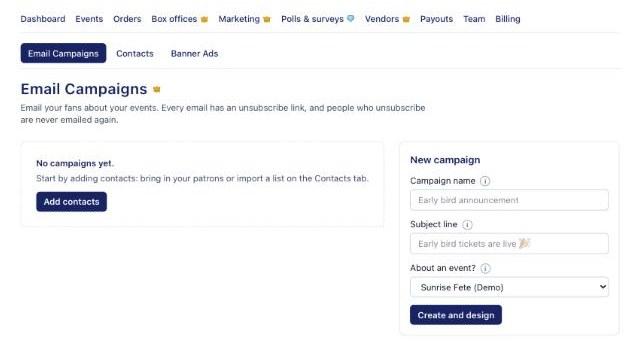
Under Marketing → Email Campaigns, create a campaign, pick the event it's about (its flyer, date and a Get tickets button are added for you), design it, send yourself a test, then send or schedule it.
Email Campaigns 3Book a banner ad
Under Marketing → Banner Ads, book days on the BajanTix home page banner in 5, 10 or 15 second slots. Upload a wide 1920×600 image or BajanTix uses a slice of your flyer. Pay by card; BajanTix approves each ad before it runs and refunds in full if it's declined.